MapMalls1.2.0
Publisher Description


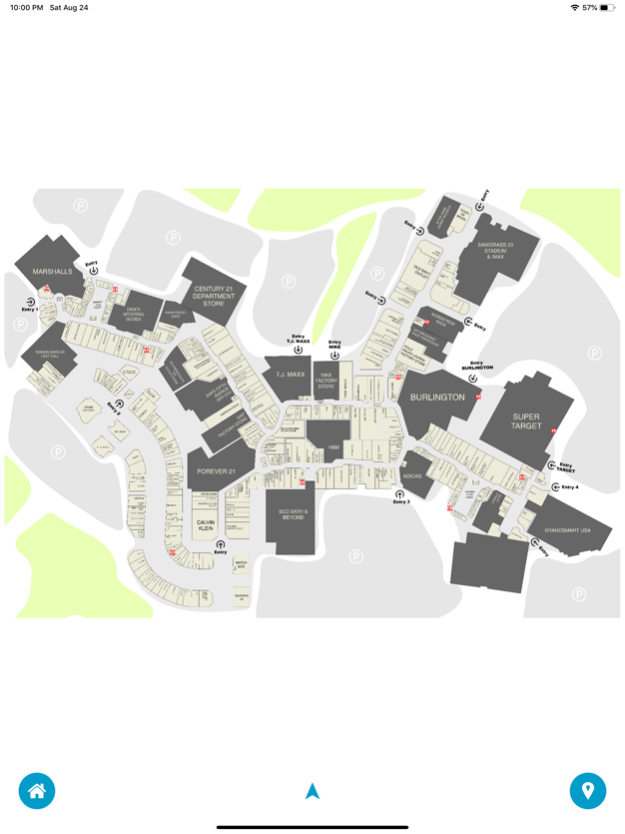
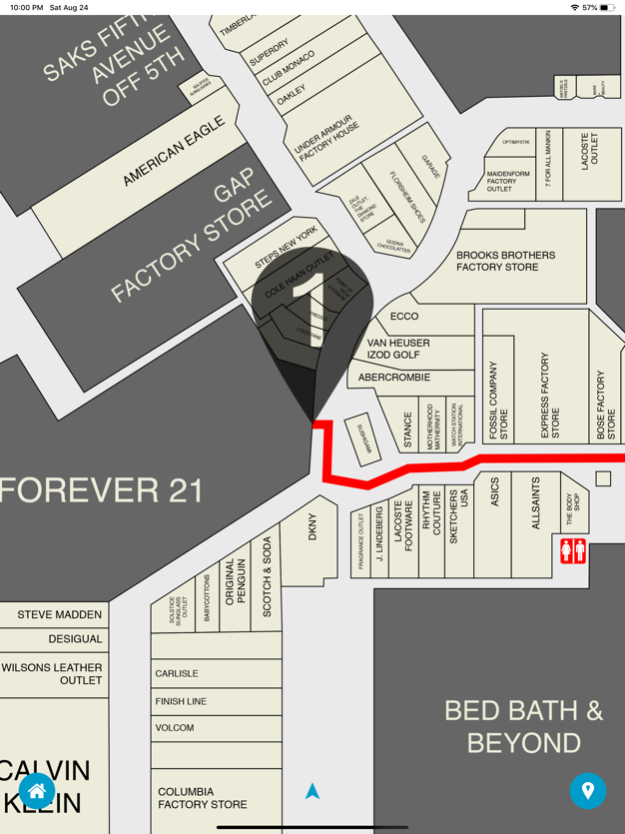
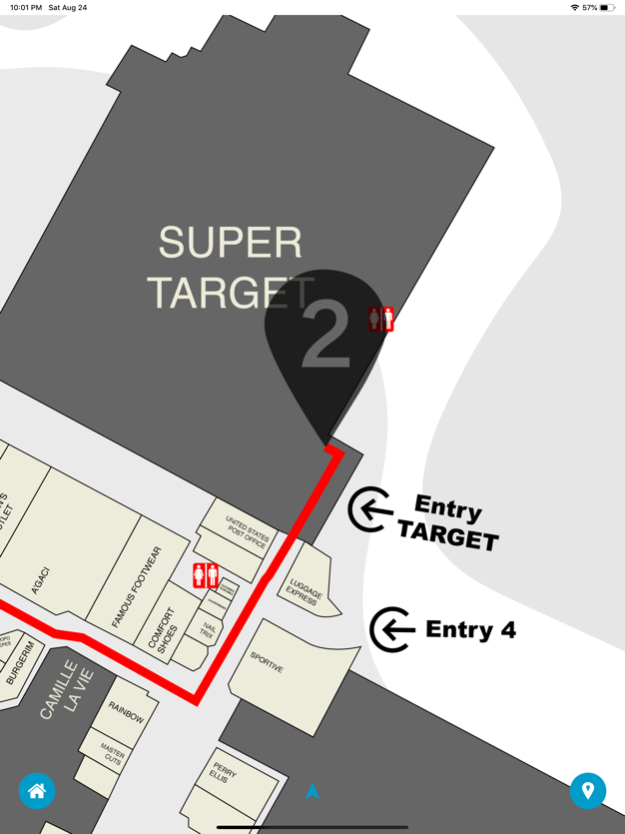


Have you ever been in Sawgrass Mills or Premium Outlet International Drive and had no idea where the stores were located? We have had this problem hundreds of times until now.
With MapMalls you have the benefit of interactive Sawgrass Mills map to find any store and better yet, you can trace a route from where you are to the store you are searching for.
With MapMalls you can:
- See full map
- Trance route
- Find a store by name
- Find a store by category
All these features above are available offline
4 Maps included:
- Sawgrass Mills - Sunrise - Florida
- Premium Outlet International Drive - Orlando - Florida
- Premium Outlet Vineland - Orlando - Florida
- Premium Outlet Woodbury-Common - New York
More malls are being developed and will be available soon.
Aug 26, 2019
Version 1.2.0
This new version includes:
1. Bug fixes
2. Map updates
3. Maps fixes
4. Store updates
5. UI enhancements
6. Performance enhancements
About MapMalls
The company that develops MapMalls is NewsFP. The latest version released by its developer is 1.2.0.
To install MapMalls on your iOS device, just click the green Continue To App button above to start the installation process. The app is listed on our website since 2019-08-26 and was downloaded 2 times. We have already checked if the download link is safe, however for your own protection we recommend that you scan the downloaded app with your antivirus. Your antivirus may detect the MapMalls as malware if the download link is broken.
How to install MapMalls on your iOS device:
- Click on the Continue To App button on our website. This will redirect you to the App Store.
- Once the MapMalls is shown in the iTunes listing of your iOS device, you can start its download and installation. Tap on the GET button to the right of the app to start downloading it.
- If you are not logged-in the iOS appstore app, you'll be prompted for your your Apple ID and/or password.
- After MapMalls is downloaded, you'll see an INSTALL button to the right. Tap on it to start the actual installation of the iOS app.
- Once installation is finished you can tap on the OPEN button to start it. Its icon will also be added to your device home screen.
Program Details
System requirements
Download information
Pricing
Version History
version 1.2.0
posted on 2019-08-26
Aug 26, 2019 Version 1.2.0
This new version includes:
1. Bug fixes
2. Map updates
3. Maps fixes
4. Store updates
5. UI enhancements
6. Performance enhancements
